Odoo 20: AI agents that work inside your processes
Agents triggered by your automations
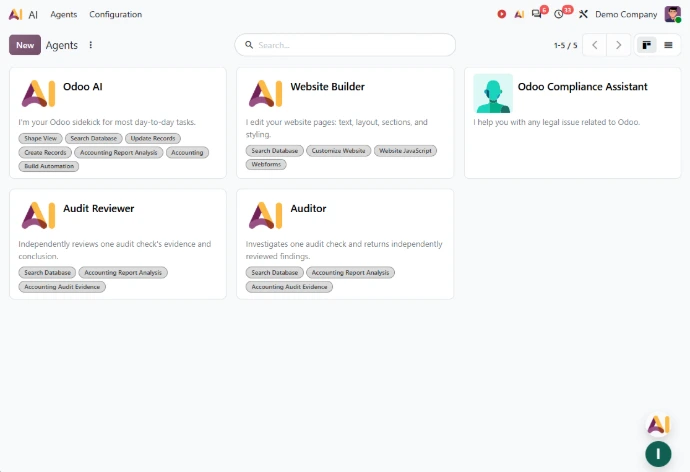
With Odoo 20, AI no longer just answers your employees' questions. Your AI agents can now:
- Work inside your workflows: they can be called by automated and scheduled actions, just like a business rule
- Create records: including from an instruction file such as a PDF
- Show their work: automation conversations let you check how each request was handled and request changes where needed
- Take spoken requests: your employees can dictate what they need directly to an agent
AI connected to your other tools
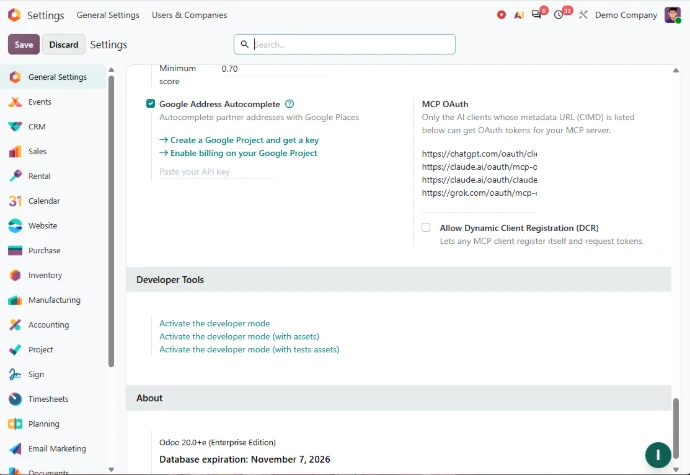
Odoo 20 also lets you connect to your database through MCP (Model Context Protocol), so Odoo can be linked to other compatible tools. For marketing and communications teams, agents can generate images and rich buttons for websites and marketing emails. One point to plan for: all AI features now require credits, which can be purchased through IAP. Find out how to deploy AI in Odoo on a first, concrete process.
Finance: less data entry from the very first bill
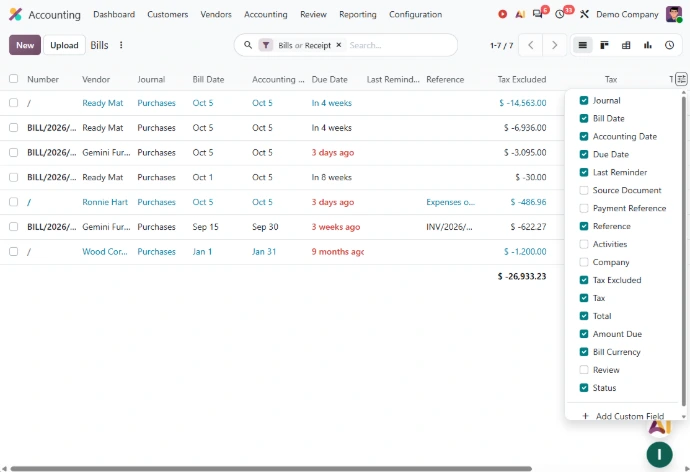
Vendor bills prefilled from your own history
When your accountants enter or import a supplier bill, Odoo 20 now suggests line items based on bill history and the label: product, account, tax and analytic distribution are prefilled with the best matches, and values entered manually are always kept. Time spent on data entry can shift towards review and analysis.
More reliable bank flows and payments
All journal entries affecting a bank account must now come from bank transactions, which prevents mismatches caused by manual entries. A new payment initiation interface also lets you pay vendor bills, one by one or in batches, with a single signature and directly from Odoo.
On the compliance side, the Accounting onboarding has been improved to make e-invoicing setup and tax configuration easier. In France, annual report templates compliant with official PCG standards are now available, and the directory entry matching the SIREN number is detected automatically. These changes make Odoo Accounting even more relevant for your finance team.
Sales: quotations ready faster, leads better assigned
Agents triggered by your automations
For your sales teams, Odoo 20 makes preparing offers simpler and makes Odoo Sales more flexible day to day:
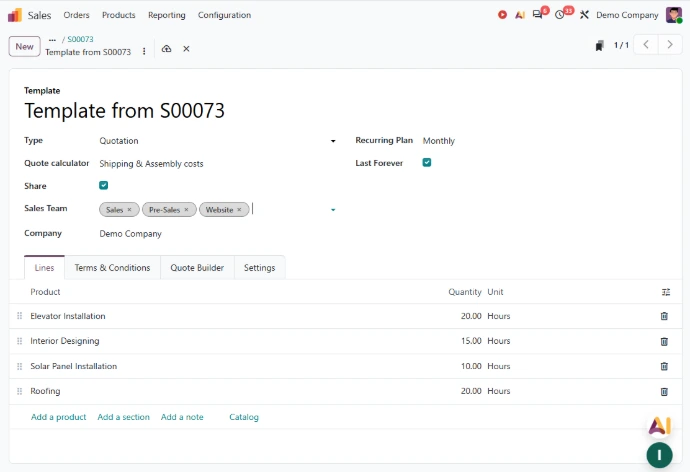
- Quotation templates: a template can be selected directly when creating a sales order
- Reusable quotations: any quotation can be saved as a template
- Margins on the line: margins can be edited directly on a sales order line, and the sales price is recomputed automatically
- Lead assignment: automatic assignment rules can be set to 'Always rotating', 'Rotating with a limit' or 'Not rotating'
- Logged calls: in the Phone app, calls can be logged in the chatter during or after each call
For a services company, where customer relationships are built one conversation at a time, the full history stays in one place.

Marketing and eCommerce: a more visible website, a more complete store
An AI assistant that builds pages with you
The Website AI assistant can now do more on its own: it can create new pages, edit your forms and your menu, draw inspiration from other websites or reproduce a page from its URL. It can also use records from your database, such as your products or events. Your marketing team can evolve your Odoo website faster as a result.
SEO designed for Google and for AI assistants
Web pages now include structured data by default, which helps create Google rich results. Odoo 20 also lets you create an llms.txt file, which helps large language models understand your website's content. It is worth including in your Odoo SEO approach if your prospects also turn to AI assistants for information.
An online store that serves consumers and businesses
On the eCommerce side, your customers can now return products from their portal, and accessories, optional and alternative products can be generated automatically. You can also define, pricelist by pricelist, whether displayed prices include or exclude taxes. For a retailer that also sells to businesses, this makes it possible to serve both consumers and business customers on the same website.
Operations and field teams: less waiting, more continuity
More consistent flows between your companies
For your supply chain teams, inventory management improves intercompany flows: one company can be resupplied from another, and a sales order can be delivered from another company's warehouse. For a distribution group running several entities, logistics become more consistent across companies.
Production that no longer waits for the whole batch
The continuous production option lets subsequent operations start as soon as certain quantities are ready. The MO cost shows a provisional figure while the manufacturing order is in progress, then the real cost once it is complete.
Field teams that keep working offline
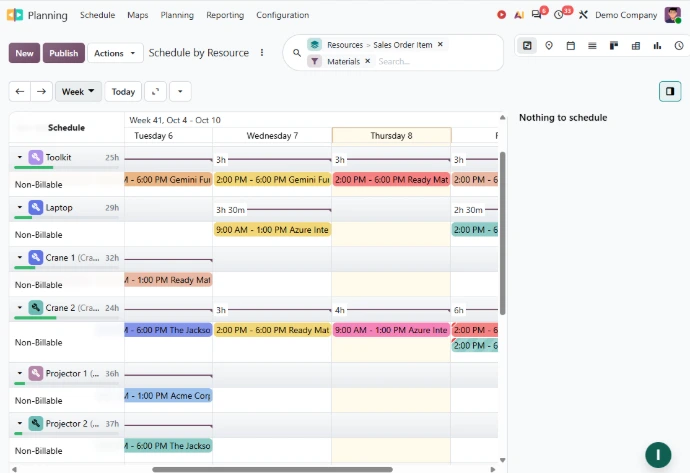
Field Service features are now part of the Planning app. The new offline mode also lets your teams create, edit and archive records without a connection, and run searches they launched earlier.
Leadership and users: gains in everyday work
To steer the business, you can create private dashboards, share them with specific users and add calculated columns to pivot lists in your spreadsheets: all tools for dashboards and reporting that are closer to your needs.
In day-to-day operations, small changes make everyone's work simpler:
- Emails: CC recipients can be added to emails sent from Odoo
- Gmail and Outlook plugins: an email can be logged in the chatter of a contact, task or ticket
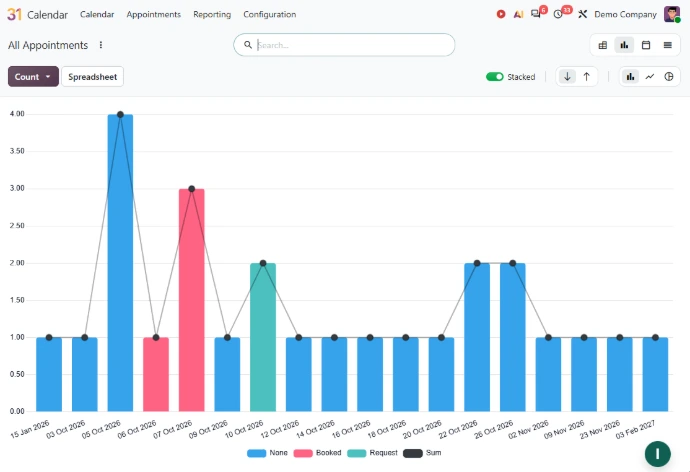
- Calendar: faster and more reliable sync with Google Calendar and Microsoft Outlook
- Mobile: files can be shared from your phone to scan a vendor bill or create a task
Already using Odoo? Prepare your move to Odoo 20
Some changes require preparation before upgrading:
- Access rights: record rules are removed in favour of a domain defined directly on the access right, which may affect your customisations
- Payroll: work entries have been removed
- Field Service: the app is now part of Planning
- Artificial intelligence: using AI now relies on credits
Every database is different, so the impact of Odoo 20 depends on your apps, customisations and integrations, and on how each of your teams works today. Upgrade support lets you plan the move without disrupting their activity.
Which Odoo 20 features really matter for your teams?
Talk to our consultants to identify the new features that will help each of your teams and, if needed, prepare your move to Odoo 20.