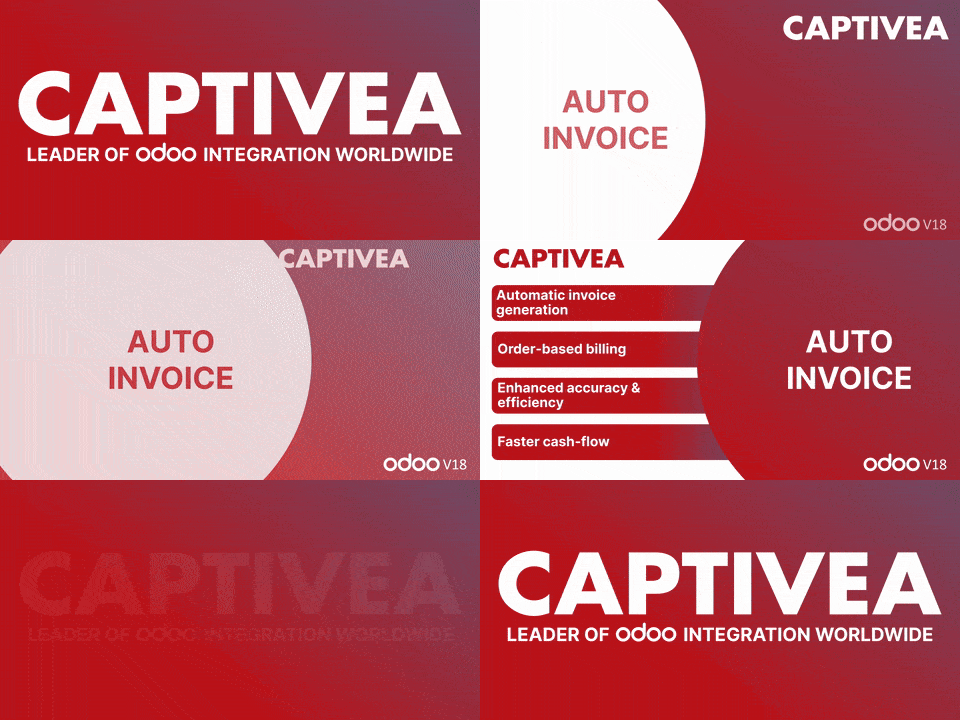
odoo apps - Auto invoice
Use Auto Invoice on Odoo to instantly invoice your customers as soon as an order is confirmed. Fewer errors, more tasks completed – take full advantage of this module. With its help, you can focus on what truly matters and speed up your cash flow processes.
Supported Odoo versions:
- Odoo 16
- Odoo 17
- Odoo 18
Availability:
- Odoo. sh
- On Premise
Dependencies:
- Sales
- Invoicing
- Discuss (mail)
Overview
The Auto Invoice by Captivea app streamlines the invoicing process by automating invoice creation, confirmation and communication for sales orders that meet specific conditions. The module is designed to save time and reduce manual effort.
Key features
- Automatically validates orders that do not involve online payments.
- Instantly generates an invoice and sends an email to the customer once the order is confirmed.
- Fully integrates with Odoo Sales, Accounting and Inventory modules for seamless data synchronisation.
What is it?
Creating an invoice has never been easier than with Auto Invoice on Odoo. As soon as an order is confirmed, this Captivea module instantly generates an invoice to send to the customer, based on the quantities of items ordered. There’s no need to wait for the goods to be delivered: you can streamline the payment process and invest your revenue in other strategic priorities.
Auto Invoice combines simplicity and efficiency in one application. To benefit from its performance, all you need to do is choose the invoicing policy based on the quantities ordered. After that, every validated order will automatically trigger the generation of an invoice, which will then be systematically emailed to the correct addresses.
Key benefits:
- Automatic invoice generation: Instantly creates invoices upon sales order confirmation, streamlining Odoo workflows.
- Order-based billing: Uses the "Order Quantities" invoicing policy, billing based on order quantities without waiting for delivery.
- Enhanced accuracy & efficiency: Minimises manual work and reduces errors by automating invoicing.
- Faster cash flow: Quick billing helps encourage prompt payments, improving financial liquidity.
How does this Odoo app work?
- Create a quotation order and make sure the online payment option is disabled.
- Confirm the quotation, and the sales order and invoice will be generated automatically, with a confirmation email sent to the customer through the automated process.