odoo apps - Landed Cost
The Landed Cost module for Odoo Enterprise enables precise management of acquisition costs by incorporating additional expenses such as transportation, customs duties, and insurance into stock valuation. It enhances the accuracy of profit margins, bulk order cost management, and the quality of financial reports.
Supported Odoo versions:
- Requires Odoo Enterprise
- Odoo 17
- Odoo 18
Availability:
- Odoo.sh
- On Premise
Dependencies:
- Billing Module (Accounting)
- Discussion Module
- Purchase Module
- Inventory Module
Overview
The Landed Cost app by Captivea introduces enhanced functionality to the Odoo Landed Costs module, providing businesses with a more accurate method for calculating additional landed costs based on product quantities. This app is ideal for organisations looking to improve the precision of cost allocation for inventory valuation.
Key features
- Adds a new feature to calculate landed costs by multiplying the specified costs with the product quantity.
- Facilitates better cost control by enabling detailed tracking and reporting of all additional landed costs.
- Helps finance and operations teams allocate costs proportionally to product quantities.
What is it?
The Landed Cost module enables detailed management of acquisition costs by factoring in all procurement-related expenses, such as transportation, customs duties, and insurance. These costs are applied directly to the batch or serial number level, providing real-time accurate stock valuation. It is particularly suited for businesses handling bulk orders or international supply chains, as it ensures precise cost allocation, enabling better profit margin management and streamlined budget planning.
Key benefits:
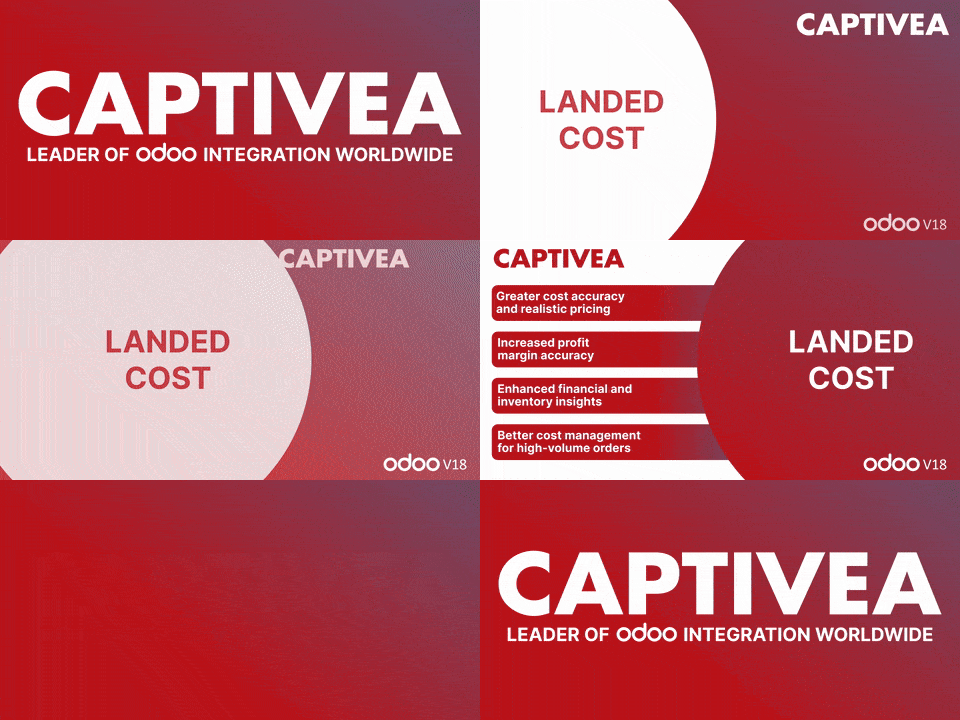
- Accurate costs and realistic pricing: The module delivers precise landed cost calculations, accounting for logistics, handling, and other expenses, ensuring fair and reliable pricing.
- Profit margin accuracy: By allocating costs precisely per quantity, it provides a clearer understanding of margins and supports strategic price adjustments.
- Enhanced financial visibility: By allocating costs per unit, it improves financial reporting and stock valuation, helping with tighter cost control and more accurate budget management.
- Streamlined bulk order management: Ideal for businesses managing large orders, this module allocates costs on a per-unit basis, offering a clearer view of high-volume transactions.
Easily integrated with the Inventory, Purchase, and Accounting modules, Landed Cost helps businesses manage logistics costs more effectively, improve stock management, and maintain a competitive edge.
How does this Odoo app work?
- Go to Landed Cost, create a new landed cost record, and fill in the required details.
- In the split method, you will see a new option: By Cost Quantity. Select this method and add the cost.
- Once all the details in the cost line are filled in correctly, click Compute. The cost will be calculated based on quantity. If everything looks correct, click Validate.