Odoo apps - Helpdesk Team Email Template Configuration
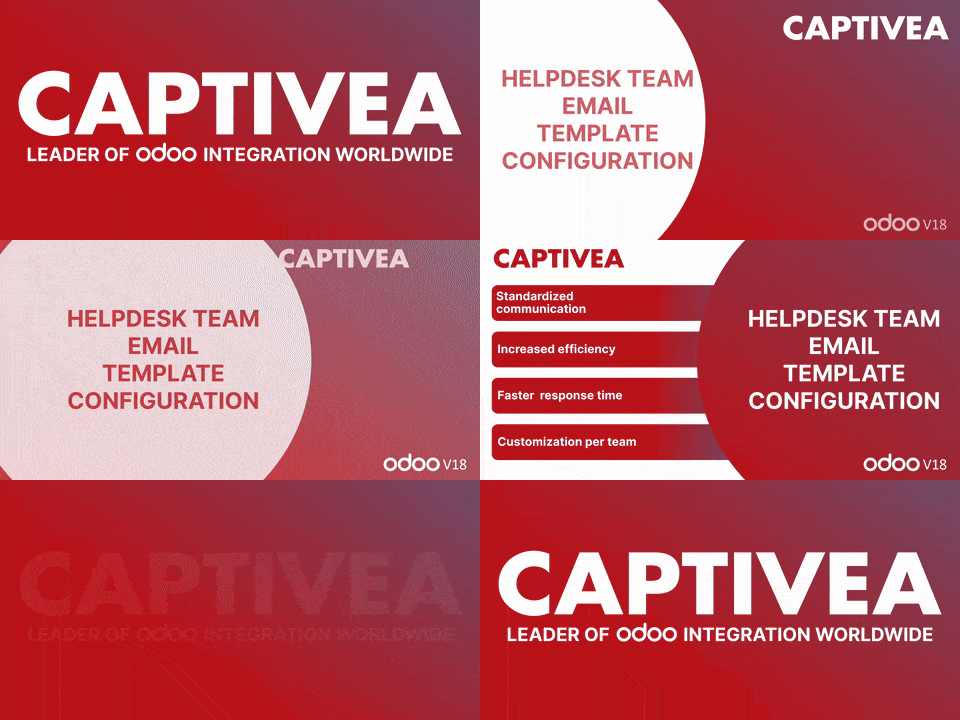
The "Helpdesk Team Email Template Configuration" module for Odoo allows administrators to customise the email templates available for each Helpdesk team. With this feature, only relevant options are displayed to team members when handling tickets, reducing errors and ensuring consistent and professional communication with customers.
Supported Odoo versions:
- Requires Odoo Enterprise Edition
- Odoo 16
- Odoo 17
- Odoo 18
Availability:
- Odoo. sh
- On Premise
Dependencies:
- Helpdesk (helpdesk)
- Discuss (mail)
Overview
The Helpdesk Team Email Template Configuration app streamlines communication by enabling helpdesk teams to use team-specific email templates. This ensures consistency, efficiency, and alignment with the communication standards of each team.
Key features
- Administrators can define allowed email templates for each helpdesk team.
- Enables centralised control over which templates are available to specific teams.
- When managing tickets from Helpdesk → Tickets → My Tickets, the Use Template dropdown will display only the templates permitted for the selected team.
What is it?
The Helpdesk Team Email Template Configuration module optimises customer communication management within Odoo's Helpdesk teams by allowing administrators to define specific, approved email templates for each team. This feature ensures consistent, professional communication by standardising the tone and structure of messages while allowing for customisation tailored to each team.
Key benefits:
- Standardised communication: This module ensures that emails sent by different teams follow a uniform tone and structure by limiting the available templates to those pre-defined for each specific team. This avoids any inconsistencies in messaging and enhances communication quality.
- Improved efficiency: By offering predefined email templates tailored to each team, the module reduces the risk of incomplete or incoherent communications. This enables teams to respond quickly and appropriately to customer enquiries, saving valuable time.
- Faster response times: With predefined templates, teams can respond to customers more quickly, improving overall response times and reducing unnecessary back-and-forth communication.
- Team-specific customisation: Each team has access to templates that match its area of expertise or communication style, ensuring relevant and appropriate responses for every situation.
Easy to install and configure, this module integrates seamlessly with ticket management processes in Odoo. It is ideal for businesses of all sizes looking to enhance the personalisation and efficiency of their customer service.
How does this Odoo app work?
- After installing the App, go to Helpdesk -> Configuration -> Helpdesk Teams, then select a team.
- Open the team & go to the email template section. There is a new field Allow Templates. Select the required email templates & save.
- Now open tickets from Helpdesk -> Tickets -> My tickets. Click on Send Message & expand it. In Compose Email, a new option Load Template is now available. Select the template as required & click on the Send button.